
Download Multi Camera Recorder – Record 16 Cameras Simultaneously on Windows & Mac
Looking for a reliable way to record multiple video feeds at once? Multi Camera Recorder is a specialized software designed to capture up to 16 cameras simultaneously—ideal for webinars, large team meetings, or live events streamed across platforms. While the concept is powerful, the execution leaves much to be desired. This review dives deep into its features, setup challenges, performance, and whether it’s worth downloading for your recording needs. Whether you're using Windows, Mac, Android, or iOS, we’ll explore how this tool fits into your workflow and if it delivers on its promise of multi-camera capture.
Key Features of Multi Camera Recorder
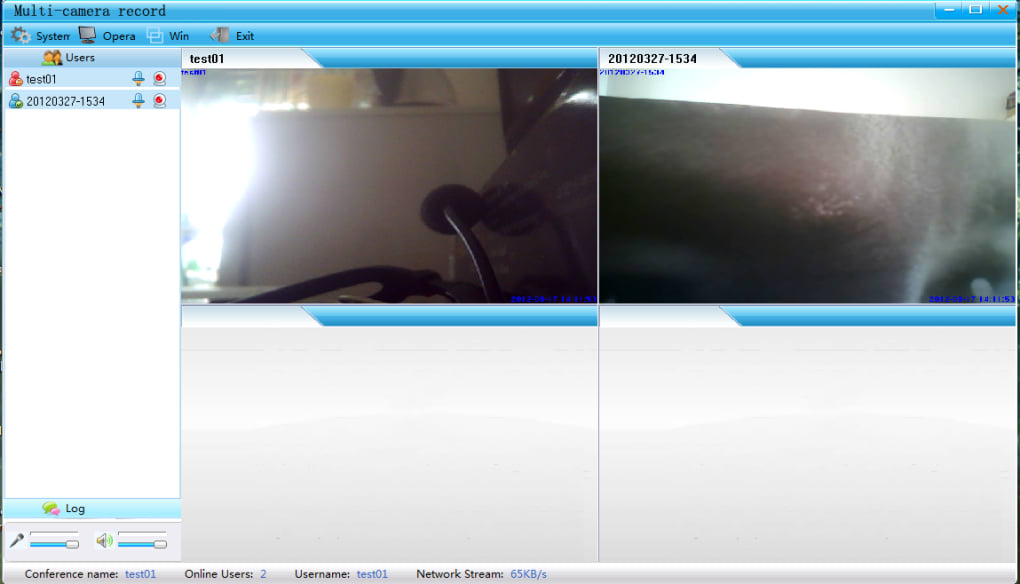
Despite its rough edges, Multi Camera Recorder offers several compelling features that make it stand out in niche use cases. The most notable is its ability to record up to 16 video sources at the same time—perfect for large-scale virtual events, remote team collaborations, or live training sessions where multiple participants are using different webcams. This feature alone justifies its existence for professionals in education, corporate training, or content creation who need comprehensive documentation.
Another powerful function is its support for VCR file format conversion. While this format isn’t widely supported by mainstream media players, the software allows users to convert recordings into AVI, which improves compatibility. The tool also includes a built-in snapshot feature, enabling users to capture still images from any active camera feed during recording. This is useful for creating visual references or sharing moments from live sessions.
Customization options are extensive. Users can adjust video resolution, frame rate, recording directory, and even set individual capture settings per camera. The interface, though outdated, does allow for some level of control over how each feed is displayed and saved. Additionally, the software supports both audio and video capture, making it suitable for full multimedia documentation.
Despite these positives, the lack of clear documentation and poor user guidance undermines the value of these features. Many users report that even after setting up the software correctly, files disappear from the file system or fail to open in external players. The VCR format, while functional within the app, creates compatibility issues, limiting post-production flexibility. Still, for users who need raw, multi-source capture without relying on complex streaming platforms, this tool remains a unique option—albeit with significant caveats.
Installation & Usage: A Complex but Functional Setup
One of the biggest hurdles with Multi Camera Recorder is its dual-program architecture. Unlike most recording tools that install as a single application, this software requires two separate components: the Server and the Client. The Server component handles video input and processing, while the Client manages the recording interface and playback. This client-server model is rare in consumer-grade software and adds a layer of complexity that can be overwhelming for beginners.
During installation, the Server must be installed first on the primary machine. Once running, it assigns an IP address and port, which the Client uses to connect. The Client can then be installed on the same machine or on another device on the same network—ideal for distributed setups. However, this setup requires users to manage firewalls, network configurations, and IP addresses manually, which is not beginner-friendly.
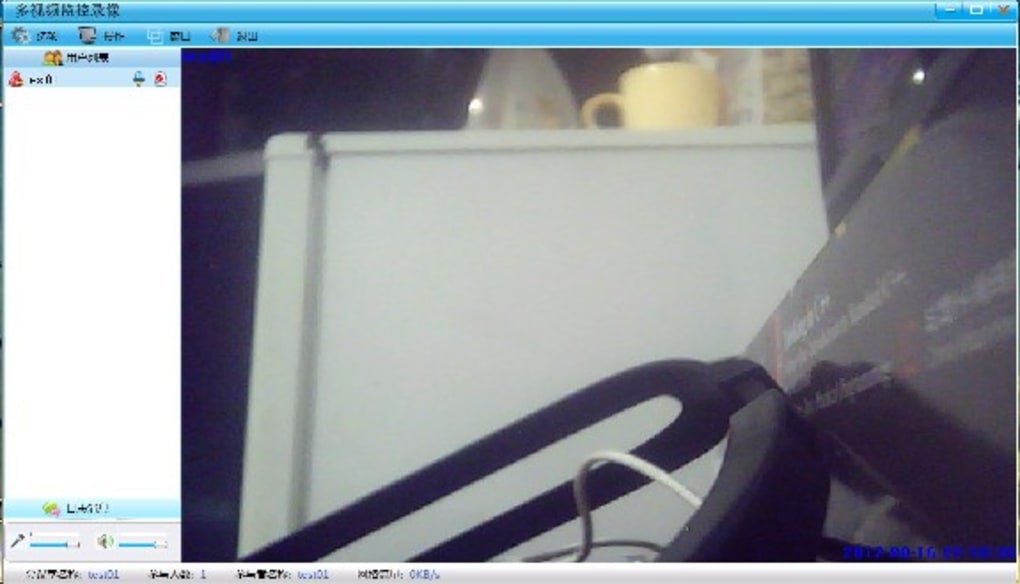
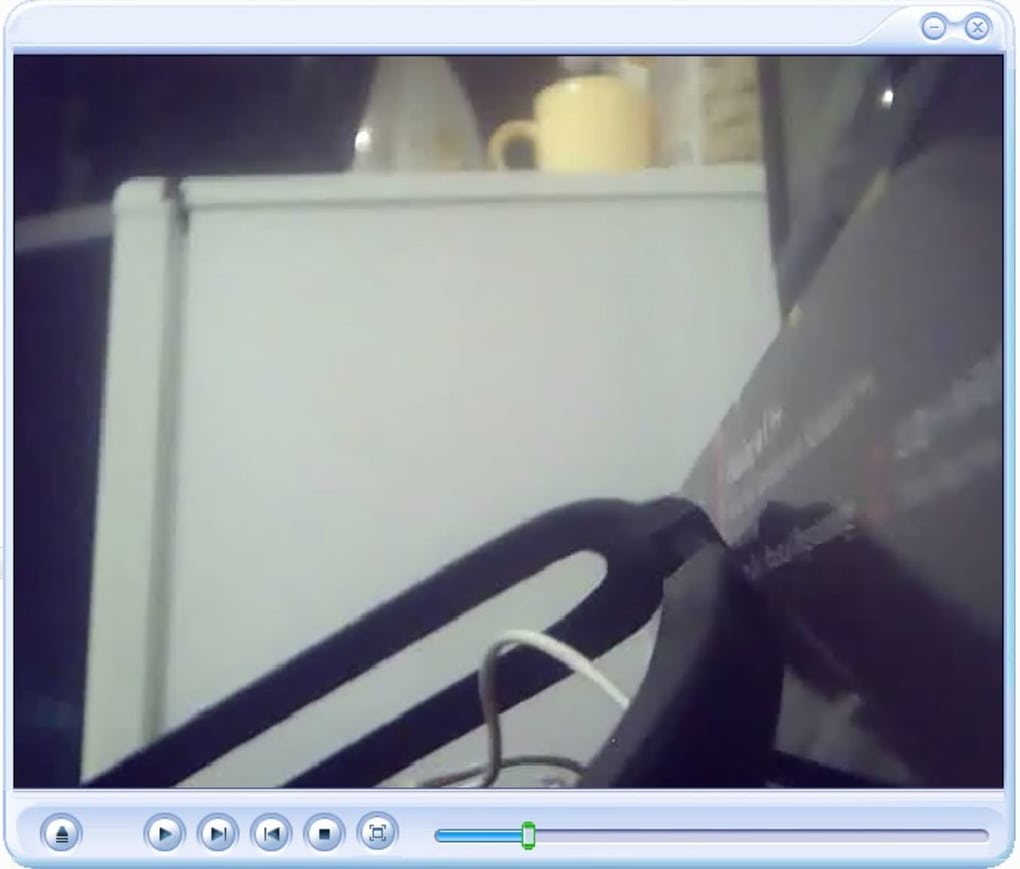
After setup, recording is relatively straightforward. Users can select which cameras to record, set output settings, and start capturing. The interface displays all active feeds in a tiled view, allowing real-time monitoring. However, the lack of tooltips, help files, or tutorials means users are left to figure out functionality through trial and error. For example, locating saved files is not intuitive—users often need to check hidden folders or use the built-in player to access recordings.
Despite the steep learning curve, once configured, the software performs reliably for short sessions. The ability to record multiple sources simultaneously without switching between feeds is a major advantage. However, performance degrades significantly with more than 4–6 active cameras, leading to lag and dropped frames. For users needing stable, high-quality recordings, this limitation is a dealbreaker.
Compatibility & Performance Across Platforms
Multi Camera Recorder is primarily designed for Windows and Mac operating systems. While the official website lists support for both, users have reported inconsistent behavior on macOS, especially with newer versions like Sonoma. On Windows, the software runs best on systems with at least 8GB RAM and a dedicated GPU, though even then, performance issues arise when recording more than 6 cameras.
There is no official Android or iOS version of the software. However, some users have attempted to use the Client on mobile devices via remote desktop tools, but this approach is unreliable and introduces additional latency. The lack of mobile support limits its usability for on-the-go recording or remote monitoring scenarios.
Performance-wise, the software struggles with resource management. Recording 16 cameras simultaneously consumes a significant amount of CPU and RAM, especially when using high resolutions (1080p or above). Users with older hardware may experience freezing, audio sync issues, or dropped frames. The VCR file format, while efficient for internal storage, is not optimized for playback or editing, making post-production cumbersome.
Despite these drawbacks, the software does deliver on its core promise: capturing multiple video streams in real time. For users in controlled environments—such as a studio or dedicated recording room with powerful hardware—it can be a viable solution. However, for casual users or those without technical expertise, the performance trade-offs and compatibility issues make it a risky choice.
Pros and Cons of Multi Camera Recorder
- Pros:
- Records up to 16 cameras simultaneously
- Supports VCR and AVI file format conversion
- Customizable recording settings (resolution, directory, frame rate)
- Snapshot feature for capturing still images
- Client-server architecture allows distributed recording
- Cons:
- Complex dual-install setup (Server + Client)
- No official help files or tutorials
- Files saved in uncommon VCR format (poor compatibility)
- Performance lags with more than 6 cameras
- No mobile support (Android/iOS)
- Files often not visible in file explorer
Frequently Asked Questions (FAQ)
-
Can I use Multi Camera Recorder on Mac and Windows?
Yes, Multi Camera Recorder is compatible with both Windows and Mac operating systems. However, users on macOS may experience stability issues, especially on newer versions. It's recommended to use a machine with at least 8GB RAM and a modern processor for optimal performance.
-
How many cameras can Multi Camera Recorder record at once?
The software supports up to 16 cameras simultaneously. This makes it ideal for large meetings, webinars, or live events where multiple participants are using different webcams.
-
Why are my recordings not showing up in File Explorer?
Recordings are saved in a hidden directory within the program’s installation folder. Use the built-in player to locate files, or manually navigate to the "Recordings" folder in the app’s directory. The VCR format may also prevent some file managers from displaying them properly.
-
Is there a free version available?
Yes, Multi Camera Recorder offers a free trial version with full functionality. However, the trial may have time or recording limits. For full access, users must purchase a license.
-
Can I edit recordings after capture?
Yes, the software includes basic editing tools and supports conversion to AVI format, which is more compatible with video editors. However, advanced editing features are limited, and users may need to use external software for full post-production.
Final Verdict: Is Multi Camera Recorder Worth It?
While Multi Camera Recorder offers a unique solution for capturing multiple video feeds at once, its usability issues and technical limitations make it a poor choice for most users. The complex setup, lack of documentation, and reliance on the uncommon VCR format significantly hinder the user experience. Performance degrades quickly with more than a few active cameras, and file accessibility remains a persistent problem.
For professionals in niche fields—such as live event producers, training coordinators, or researchers needing multi-angle documentation—this software might be worth the effort. But for the average user, a simpler alternative like screen recording with OBS Studio or a dedicated webinar platform offers better reliability and ease of use.
If you’re determined to try it, download Multi Camera Recorder for free to test its capabilities. Just be prepared for a steep learning curve and potential frustration. For most, however, the hassle isn’t worth the reward.
Download Multi Camera Recorder today and see if it meets your multi-camera needs—but only if you’re ready to troubleshoot.







